
Clayzo
Clayzo is a free animation engine that lets coding agents like Claude Code, Cursor and Codex create motion graphics and web animations from a one-sentence request — then export as video or play live on your site.
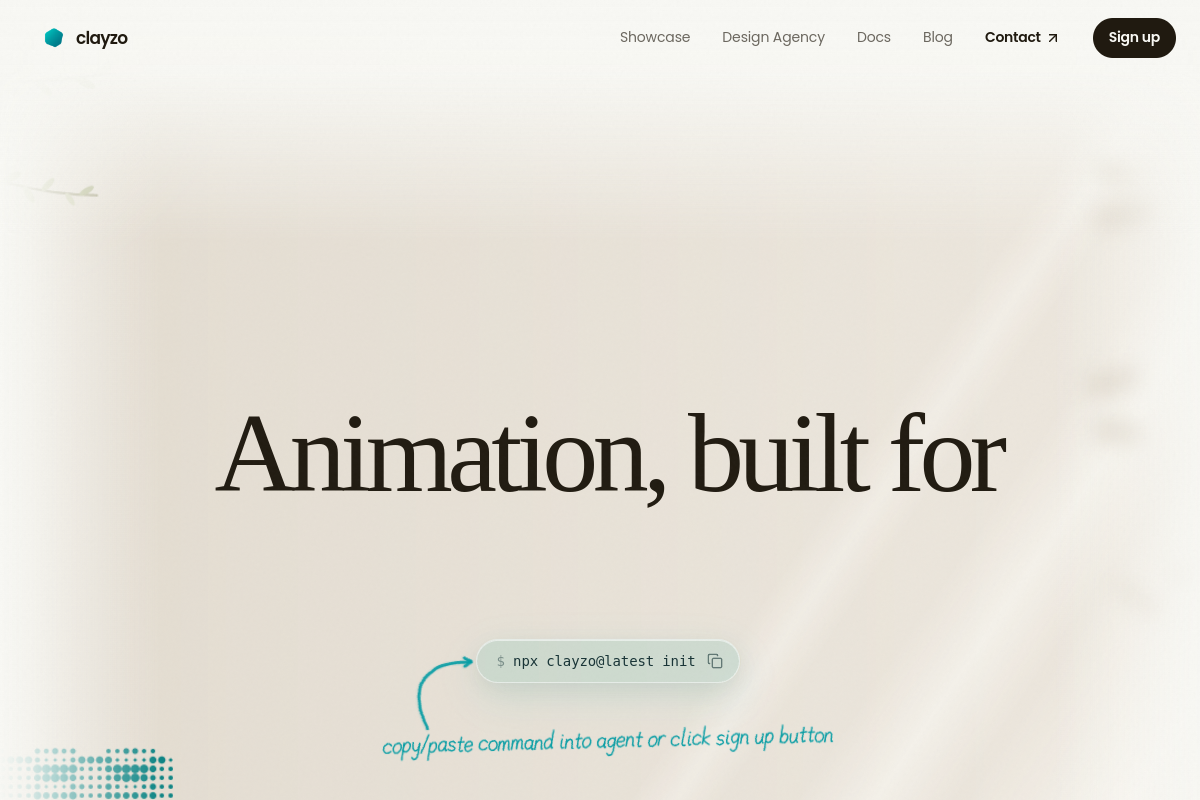
Clayzo Review: Create Motion Graphics and Animations With Your AI Coding Agent
Good motion graphics used to need a motion designer and a timeline editor. Keyframes, easing curves, frame-by-frame tweaks — slow, skilled work that most developers and small teams simply skip.
Clayzo changes that. It is a free, agent-first animation engine that lets your AI coding agent — Claude Code, Cursor or Codex — write animations in code from a one-sentence request, review every frame, and export a finished video or a live animation for your website.
What is Clayzo?
Clayzo is an animation engine built for coding agents. Instead of dragging keyframes on a timeline, you describe what you want in plain language. Your coding agent writes the animation as code, renders it, checks the motion, and refines it before you ever look. It launched on Product Hunt on November 2, 2026, and reached #6 on the daily leaderboard with 193 upvotes.
The engine covers shapes, text, keyframes, springs, custom effects and shaders, camera moves, audio and interactive states like hover, press and drag. Animations bundle into a single .clayzo file that is up to 40x smaller than video.
Key Features
1. Agent-First Animation Workflow
Describe the animation in one sentence and your coding agent writes the scene code, previews any frame instantly, reviews its own work and fixes what looks off. The feedback loop is built in: the agent sees its own frames before you do.
2. Frame-by-Frame Review
Clayzo's CLI lets agents preview any frame and check the motion as they build. Mistakes get caught and corrected during generation, not after delivery.
3. Export as Video or Play Live
Export finished animations as MP4, MOV, GIF, WebM or other video formats for ads, social media and presentations — or play them live on your website as interactive WebGL that responds to cursor movement and input.
4. Works With the Agents You Already Use
Clayzo plugs into Claude Code, Codex, Cursor and any agent that can run commands and load skills. Setup takes one command: npx clayzo@latest init.
5. Lightweight WebGL Player
Animations play anywhere on the web with a lightweight WebGL renderer — plain HTML, React and Next.js, plus native playback in Swift on iOS and macOS.
How It Works
Run npx clayzo@latest init, then ask your agent for an animation in a single sentence. The agent writes the Clayzo scene code, renders it, reviews every frame and iterates until the motion looks right. You export the result as a video file or ship it live on your site as an interactive animation.
Who Should Use Clayzo?
- Developers and product teams: Add motion graphics and product animations without hiring a motion designer.
- Indie makers and startups: Create launch videos and social clips with the coding agent you already use.
- Frontend developers: Ship interactive web animations that respond to user input.
- Content creators: Turn a sentence into a finished animation for your site or channel.
Clayzo Pricing
The Clayzo core engine is free to use with the coding agent you already have. You can create, embed and export animations for your own sites and apps at no cost. Building a product on top of Clayzo — such as an agent that generates Clayzo animations for your own users — requires a license.
Clayzo Pros and Cons
Pros
- Free core engine; no design skills needed.
- Your agent writes, previews and fixes the animation itself.
- Export as video or play live as interactive WebGL.
- Works with Claude Code, Cursor and Codex.
- Animations bundle into tiny .clayzo files.
Cons
- Newly launched; public documentation is still growing.
- Best suited to developers already comfortable with coding agents.
Final Verdict
Clayzo is the fastest way to get real motion graphics without a motion designer. If you already build with Claude Code, Cursor or Codex, it turns a sentence into a finished animation — and it is free to try.
For developers, indie makers and product teams who need animations for launches, websites and social content, Clayzo is worth a look.


