
NoMac
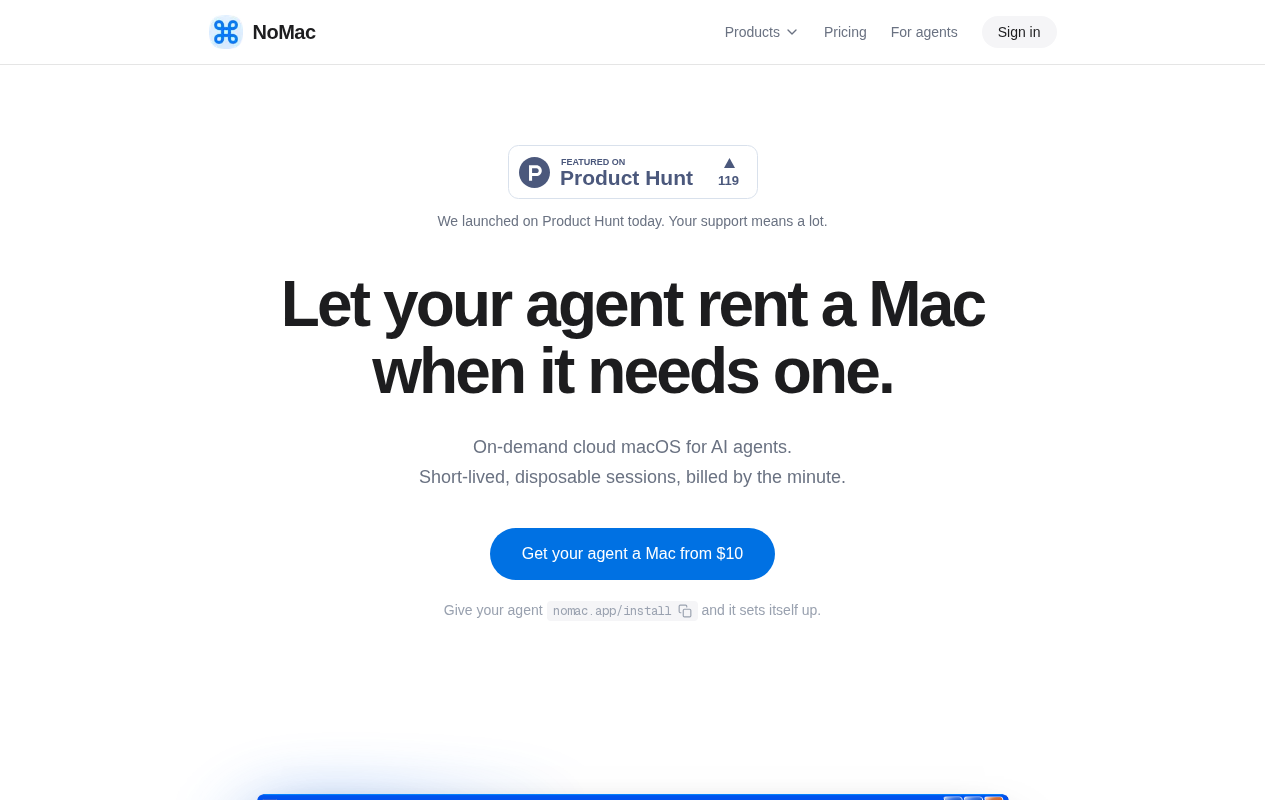
NoMac gives your AI agent a cloud Mac with Xcode, ready in about 30 seconds. Build, test in the iOS Simulator, sign, and ship to TestFlight and the App Store — $0.90 an hour, billed per minute, no subscription.
NoMac Review: Give Your AI Agent Its Own Mac in the Cloud
Coding agents can write an iPhone app, but they cannot build one. Xcode only runs on a Mac, and Claude Code, Codex, or Cursor usually run on Linux, in a cloud sandbox, or on a Windows laptop. The agent writes the code — and then waits for a human with a Mac to compile it, sign it, and ship it.
NoMac gives your agent its own Mac. It rents a full macOS machine with Xcode on Apple silicon, ready in about 30 seconds, billed by the minute at $0.90 an hour. Your agent builds the app, runs it in the iOS Simulator, and ships it to TestFlight and the App Store — then shuts the Mac down. It launched in the Product Hunt top 5 on November 8, 2026.
What is NoMac?
NoMac is on-demand cloud macOS built for AI agents. You connect it in one line — claude mcp add nomac -- npx @nomac/cli mcp — or through the hosted MCP endpoint, and your agent can start a Mac, run commands, read the output, and stop it on its own. Each session is a fresh macOS VM with Xcode 27, the iOS SDK, simulator runtimes, Node, Python, Ruby with CocoaPods, and Homebrew installed, with root access on every session.
The Mac is not a remote desktop for humans; it is a machine for agents. Your agent drives it over MCP, the CLI, a REST API, or SSH, and you can watch the desktop in the browser or over the terminal when you want to see what is happening. A 20 GB encrypted drive at ~/drive persists between Macs, so projects, packages, and Xcode's build cache survive — the next build only compiles what changed.
Key Features
1. A real Mac with Xcode, ready in about 30 seconds
Each session starts a fresh macOS VM on Apple silicon with Xcode and the iOS SDK preinstalled. The agent is admin, so nothing waits on a password prompt, and the Mac is ready to build in about half a minute.
2. iOS Simulators the agent can actually use
The agent reads the Simulator's screen as text and taps by label, so it can run your app, see what renders, and verify behavior — not just compile it. You can watch the Simulator live from a link while the agent works.
3. Signing, TestFlight, and App Store submission as tools
Code signing, TestFlight uploads, and App Store submission are agent-callable tools, not manual chores. Connect an App Store Connect team key once and the agent handles certificates, provisioning, and uploads. You still need your own Apple Developer account for App Store distribution.
4. Billed per minute, no subscription
Time costs $0.90 an hour, billed per minute after a one-minute minimum, from $10 of prepaid credit that never expires. Setup is free, the clock runs only while the Mac is ready, and there is no 24-hour minimum or monthly plan. A 7-day money-back guarantee covers your first purchase.
5. A drive that survives between Macs
Every account gets a 20 GB encrypted drive at ~/drive. Stopping a Mac deletes the VM and everything outside the drive, but your project and build caches persist — so the next session starts warm and incremental builds stay fast.
How It Works
Add credit at nomac.app/dash, install the CLI with npm install -g @nomac/cli, and register it with your coding agent — Claude Code, Codex, and Cursor are supported directly, and any MCP client can use the hosted endpoint. Ask the agent to build your app in plain words. It starts a Mac, syncs your project to ~/drive, runs the Xcode build, tests in the Simulator, and — with your App Store Connect key connected — signs the release and ships it to TestFlight or the App Store. When the work is done, it stops the Mac and the meter stops.
Who Should Use NoMac?
- Developers using Claude Code, Codex, or Cursor: Let the agent finish the iOS job — build, test, sign, and ship — without a local Mac.
- Windows and Linux developers: Build native iOS apps from your own machine; the Mac only handles what requires Apple's toolchain.
- Indie hackers shipping iOS apps: Pay $0.90 an hour only when a build is running, instead of buying or renting a Mac mini.
- Teams with bursty iOS builds: Spin up a Mac for a release, then shut it down — no idle hardware, no monthly seat.
- Anyone automating App Store releases: Turn the whole release pipeline into agent tools.
Pricing
NoMac charges $0.90 per hour, billed per minute, with a one-minute minimum. You start from $10 of prepaid credit that never expires, and there is no subscription and no 24-hour minimum. Your first purchase comes with a 7-day money-back guarantee. One session runs at a time. Apple's $99-per-year Developer Program fee is separate and paid to Apple.
NoMac Pros and Cons
Pros
- Solves the exact bottleneck of AI iOS development: agents can finally build, test, and ship.
- Per-minute billing with credit that never expires — you pay only while a Mac is running.
- Root access, Xcode 27, simulators, and a persistent 20 GB drive in every session.
- One-line MCP setup; works with Claude Code, Codex, Cursor, and any MCP client.
- Transparent, simple pricing with a money-back guarantee on the first purchase.
Cons
- One session at a time — no parallel Macs for concurrent builds.
- Stopping a Mac wipes everything outside the 20 GB drive; anything left elsewhere is gone.
- You still need an Apple Developer account and an App Store Connect key for TestFlight and App Store submission.
Final Verdict
NoMac is the missing piece between AI coding agents and the App Store: a Mac your agent can rent by the minute, use like a machine, and throw away. At $0.90 an hour with no subscription, it costs less than a coffee to let Claude Code build, test, and submit your iOS app end to end. If your agent writes iOS code today, NoMac is the fastest way to let it finish the job.


