
Latch.ai
Latch.ai turns recurring accounting tasks into AI sidekicks: show it a task once on screen, talk through the exceptions, and it builds a scoped, traceable automation that runs the work the same way every time.
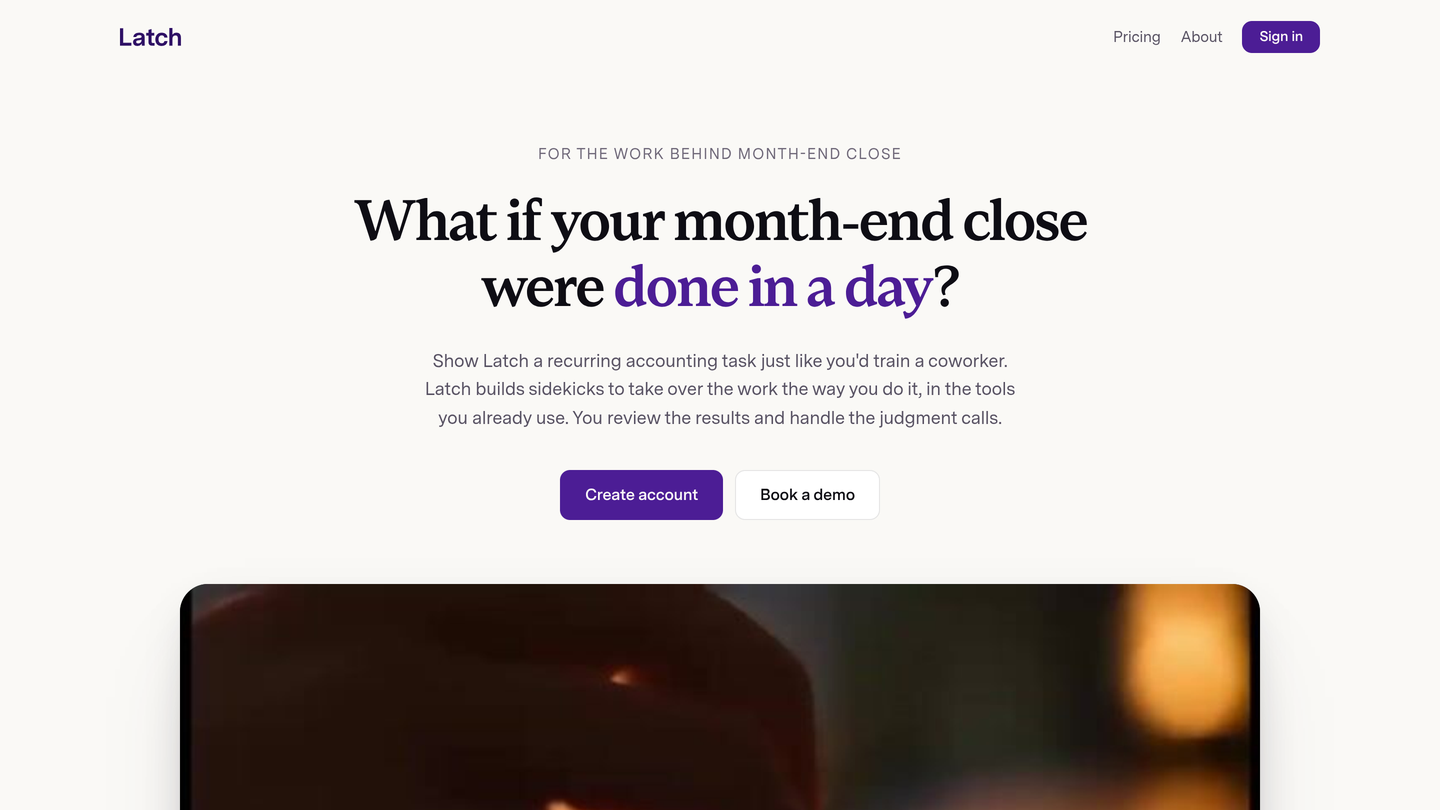
Latch.ai Review: Show It Once, and Your Month-End Close Runs Itself
Accounting automation keeps stalling for an unglamorous reason: the work is not in the checklist. It is in the three-day matching window, the file names that have to be just right, the formulas you never overwrite, and the judgment calls that no standard operating procedure ever captured. Latch.ai starts from that observation. Instead of asking accountants to write prompts or build workflows, it asks them to do the task once, on screen, while talking through it.
Latch.ai finished fourth on Product Hunt on November 10, 2026, the same day it launched its accounting automation platform alongside research showing that when AI falls short at work, only 8% of professionals blame the technology. The problem, the company argues, is missing context. Latch captures that context by watching the work itself, then builds a sidekick that runs the task the same way every time, in the tools you already use.
What is Latch.ai?
Latch.ai is an automation platform for accountants and finance teams. You open Latch on your desktop, choose your screen and microphone, and hit record. Then you do the work in your usual tools and talk it through, including the parts no SOP captures: the exceptions, the overrides, the judgment calls. Latch turns that session into a sidekick, a scoped automation trained on your process. You review the steps and test the sidekick before handing over the task.
Each sidekick has a specific job with limits you set. It runs in its own sandbox on your machine, with access limited to the connections and scope you grant. Execution follows a defined process, uncertain items come back for review, and every run leaves a step-by-step record you can read. When something does not fit, the sidekick stops and asks instead of guessing. Latch's own finance team turned a month-end Xero-to-Google Sheets workflow into a scheduled sidekick, cutting more than 200 clicks to about a dozen and saving 15 minutes of manual work per run.
Key Features
1. Teach by Showing, Not Prompting
There is no prompt to perfect and no process to write from scratch. The training is the work itself: each session captures the clicks, context and judgment that a written checklist leaves out.
2. Sidekicks That Run Your Process
Once trained, a sidekick takes over the recurring task the way you do it, in the tools you already use, on a schedule or on demand. You review the results and handle the judgment calls.
3. Sandbox Execution With Limits You Set
Each sidekick runs in its own sandbox on your machine, with only the access you approve. You see what it will do, decide what it can access, and check what happened. Your accounting judgment stays with you.
4. Test Before the First Real Run
Check connections and preview what the sidekick would do before it changes your files or data. Defined steps and visible decisions mean you can verify the automation before trusting it with live numbers.
5. Full Audit Trail on Every Run
Every run leaves a step-by-step record. Uncertain items come back for review instead of being decided silently, so the work stays traceable and reviewable, which is what accounting actually requires.
How It Works
Start a session and record yourself doing a recurring task, talking through the decisions and exceptions as you go. Latch builds a sidekick from that session. Review the steps it captured, test it, and adjust the scope and access. Then hand over the task: the sidekick runs it on schedule in your existing tools, stops to ask when a decision needs a person, and leaves a complete log of everything it did. Teaching Latch is free; you only pay when a sidekick runs.
Who Should Use Latch.ai?
- Accountants in firms: Automate reconciliations, statement collection, model updates and payables work without writing prompts or code.
- Controllers and finance teams: Turn the month-end close into scheduled sidekicks and reclaim the tens of hours each close currently consumes.
- Small accounting practices: Scale recurring client work without hiring, by teaching one sidekick per process and reusing it across clients.
- Finance operations teams: Capture the process knowledge that lives in one person's head before it walks out the door.
- Anyone buried in click-heavy close work: If the task is a checklist with 200 hidden clicks underneath, it is exactly what Latch is built for.
Pricing
Teaching Latch is free. You only pay when a sidekick runs, on a usage-based credit model. Accounting and finance teams that email the company by November 30, 2026 receive 1,000 free Latch credits to try it. There is no publicly listed per-plan price on the site; enterprise teams that need additional controls are asked to talk to the sales team. That makes the effective cost depend on how many sidekick runs your workflows need, so the free teaching tier and the 1,000 free credits are the practical way to estimate it for your own volume.
Latch.ai Pros and Cons
Pros
- No prompts and no workflow building: teaching is doing the work once, which fits how accountants actually work.
- Captures the exceptions and judgment calls that written SOPs miss.
- Sandboxed execution, human review, and a step-by-step audit trail fit accounting's control requirements.
- Teaching is free, so you can build sidekicks before spending anything; you pay only for runs.
- Backed by Fuse, Soma Capital, Garry Tan, Liquid 2 Ventures and Pioneer Fund, and founded by Stefan Kalb and Jared Kofron in Seattle.
Cons
- No public per-plan pricing, so costs are hard to compare before trying it.
- Sidekicks run on your machine, which ties automation to a desktop session rather than a pure cloud service.
- New platform with a narrow initial focus on accounting; the library of ready-made sidekicks is still growing.
- Quality depends on the quality of the teaching session: a sloppy recording teaches a sloppy process.
Final Verdict
Latch.ai is the most accountant-shaped AI automation to launch this year. It does not ask finance teams to become prompt engineers or workflow builders. It watches the work, learns the exceptions, and runs the task the same way every time, with the controls and audit trail that accounting demands. The Xero-to-Sheets example, more than 200 clicks down to about a dozen, is the kind of result that makes the value obvious in a single sentence.
If your month-end close is a pile of recurring click-heavy tasks that only one person knows how to do properly, Latch is worth a free teaching session. The sidekick you build may be the most boring, and most valuable, automation your team ships this year.
FAQ
Frequently asked questions
What is Latch.ai?
Latch.ai is a AI tool listed on aifly.tools that adds new capabilities to your AI coding agent. See the description and screenshots above for what it does.
How do I install Latch.ai?
Click the Visit button below to open the official website and sign up there.
Is Latch.ai free?
Yes — Latch.ai is free to install. Some skills may still need an API key for the underlying service they call.
How do I update Latch.ai?
Open the official website with the Visit button below and check for the latest version there.


