Figma MCP
Figma 官方 MCP 服务器:让 AI Agent 读取设计稿并转成可落地的代码。
安装
传输方式: http
claude mcp add --transport http figma https://mcp.figma.com/mcp
工具列表 (32)
get_design_context
Gets design context and code for a layer or selection (default output React + Tailwind).
get_metadata
Gets a lightweight XML outline of a selection (IDs, names, types, positions, sizes).
get_screenshot
Takes a screenshot of a selection so the agent can see the design.
get_variable_defs
Lists variables and styles used in a selection (colors, spacing, typography).
get_code_connect_map
Gets Code Connect mappings for selected instances.
get_code_connect_suggestions
Suggests Code Connect mappings (Figma-prompted workflow tool).
get_context_for_code_connect
Gets component metadata for Code Connect templates (remote only, Figma-prompted).
get_figjam
Converts FigJam diagrams to XML.
get_libraries
Lists subscribed and available libraries (remote only).
search_design_system
Searches libraries for components, variables, and styles (remote only).
download_assets
Downloads exports and original source images for up to 20 nodes (remote only).
get_motion_context
Gets keyframe animation data and CSS/Motion code snippets for an animated node.
get_shader
Reads a shader's source.
list_shaders
Lists shader effects and fills in your library.
list_file_shaders
Lists shaders used in a specific file (remote only).
get_generative_plugin
Reads a generative plugin's source (remote only).
list_generative_plugins
Lists generative plugins in your library (remote only).
whoami
Gets your identity, plans, and seats (remote only).
use_figma
General-purpose tool to create, edit, delete, or inspect content in Figma files (remote only).
create_new_file
Creates a blank Figma Design, FigJam, or Figma Slides file (remote only).
generate_figma_design
Turns live web UI into design layers (remote only).
generate_diagram
Generates a FigJam diagram from a description or Mermaid syntax (remote only).
generate_image
Generates and places an image in a Figma file (remote only).
html_to_figma
Converts an HTML document into design layers (remote only).
upload_assets
Uploads images and SVGs into a Figma file (remote only).
send_code_to_figma
Imports a local project into Figma as a Make file or code layer (remote only).
add_code_connect_map
Maps a Figma component to a code component.
send_code_connect_mappings
Confirms suggested Code Connect mappings (Figma-prompted).
create_shader
Creates a shader effect or fill starter (remote only).
update_shader
Updates a shader's source (remote only).
create_generative_plugin
Creates a generative plugin starter (remote only).
update_generative_plugin
Updates a generative plugin's source (remote only).
质量与安全评分
价格
Free to connect; requires a Figma account. The remote server authenticates with your Figma login.
Figma MCP 评测:把设计稿直接变成可落地的代码
设计到代码的交接永远卡在同一个人身上。设计在 Figma 里,代码在编辑器里,中间坐着一个人,把像素翻译成组件,靠猜测还原间距、颜色和交互。结果就是慢、失真,各种小偏差只有到评审时才被发现。
Figma MCP 把这个中间人拿掉了。这是 Figma 官方的 MCP 服务器,由 Figma 托管在远程端点,AI Agent 可以直接、结构化地访问设计文件:画框、组件、变量和代码层。Agent 按 Figma 存储数据的方式读取设计,再写出实现。设计转代码是最典型的 MCP 用法,而这是官方的标准做法。
什么是 Figma MCP?
Figma MCP 是由 Figma 运行的远程 MCP 服务器。用一条命令或一小段 JSON 把客户端连到 Figma 端点,用 Figma 账号登录,Agent 就能获取设计、查看变量并生成代码。不用在本地跑服务器、不用装包:服务器在 Figma 那边,客户端通过 HTTP 和它通信。
服务器提供 32 个工具,分读取和写入两类。读取工具获取设计、画框或指定节点,列出变量和组件,拉取截图。写入工具创建和编辑画框、设置文本与布局、应用变量。官方指南仓库还提供配套插件和现成 Skill,教 Agent 如何用好这些工具,包括一套能产出干净组件化代码的设计转代码工作流。
核心功能
1. 把任何设计读成结构化数据
Agent 把设计、画框和节点当作结构化数据来读取,而不是靠猜截图。布局、文本、颜色、间距和组件结构都以数据形式传过来,Agent 可以据此推理并忠实还原。
2. 变量与设计系统,而不只是像素
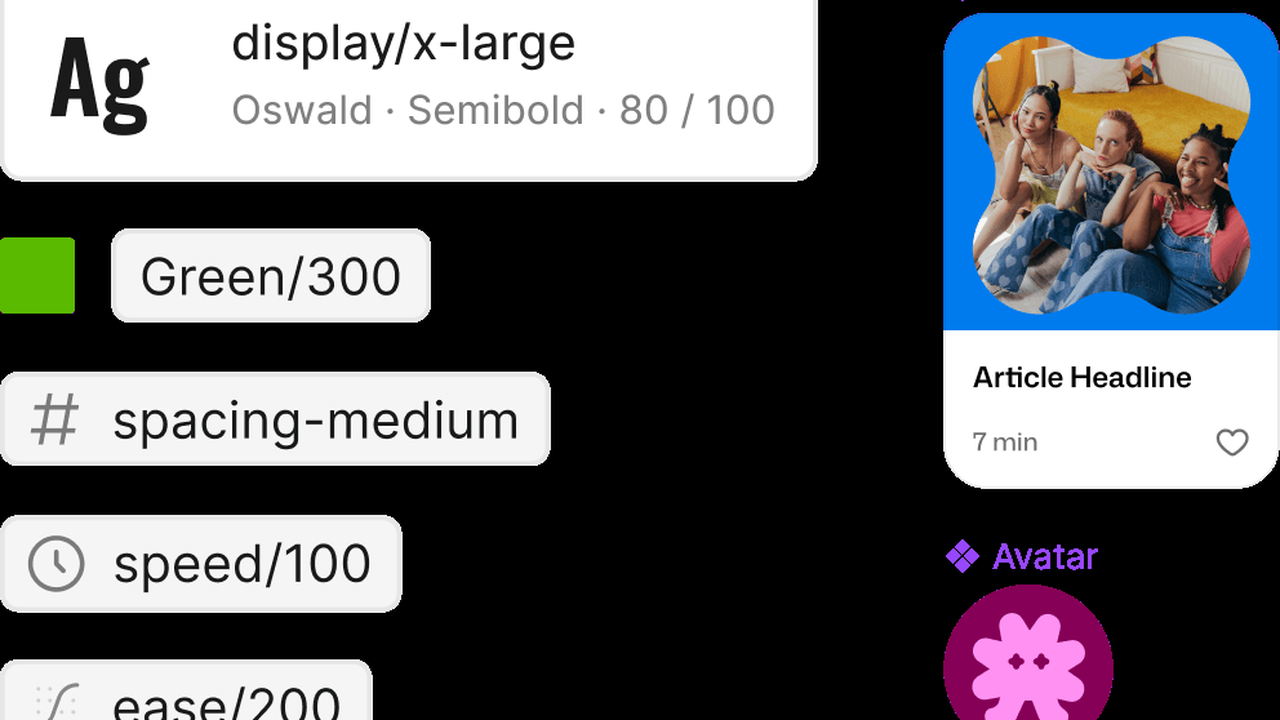
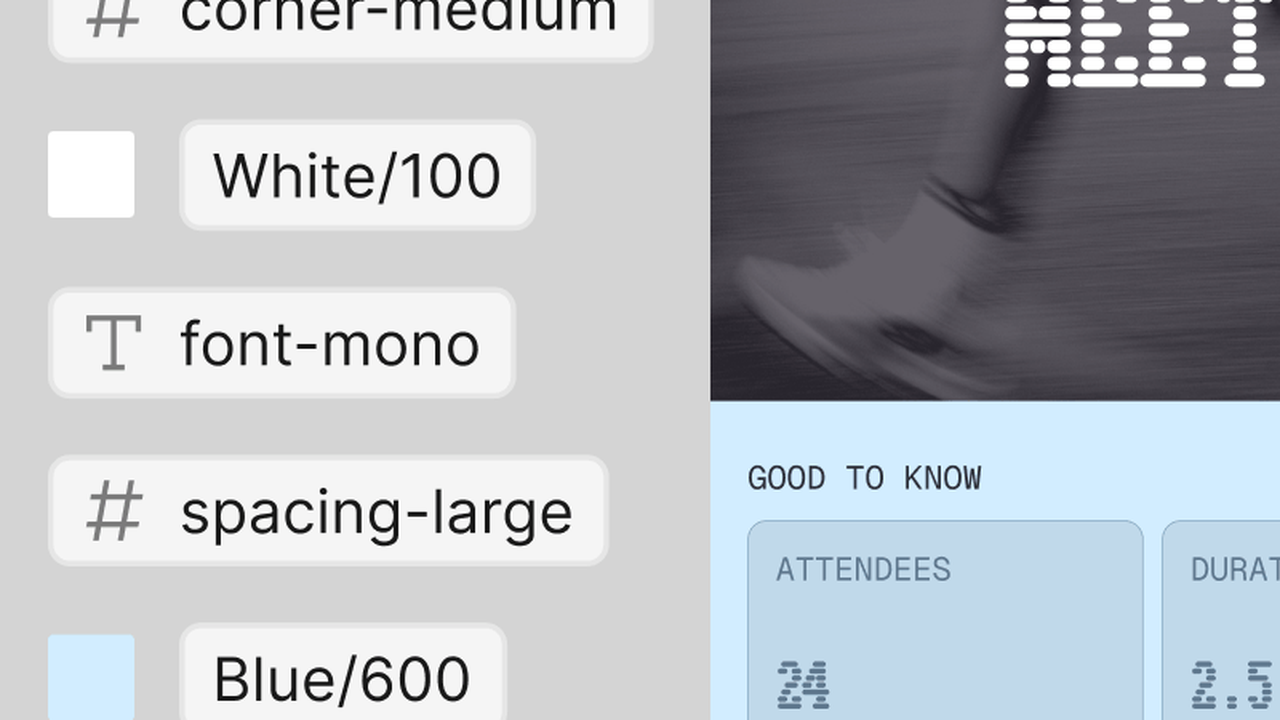
颜色、字体、间距的变量直接暴露出来,生成的代码用的是设计令牌,而不是写死的值。输出和设计系统保持一致,不会漂移成一次性样式。
3. 可以写回 Figma
写入工具让 Agent 在 Figma 里创建画框、编辑文本、调整布局。循环是双向的:设计到代码,代码驱动的修改也能回到设计文件。
4. 截图做视觉校验
Agent 可以拉取画框或整个文件的截图,把自己的输出和设计对照,发现视觉差异就自己修正,而不是盲目交付。
5. 官方 Skill 与插件
官方指南仓库提供 Figma 插件和现成的 Skill,教 Agent 设计转代码的工作流,包括如何选画框、处理组件、组织生成代码的结构。
工作原理
把 MCP 客户端连到 Figma 远程端点,用 Figma 账号认证。Claude Code 里是一条命令,Cursor 和 VS Code 里是一小段 JSON。连好后,指给 Agent 一个 Figma 文件或某个画框,让它去实现。Agent 读取设计数据,在你的项目里生成代码,还能截图验证结果是否和设计一致。
因为服务器是 Figma 托管的远程服务,不用自己维护或保持运行。权限走你的 Figma 账号,Agent 只能看到你授权的文件。
适合谁用?
按 Figma 设计稿写前端的开发者、维护设计系统的设计工程师,以及想让交接不再成为瓶颈的产品团队。如果你的工作流已经跑在 Figma 和编码 Agent 上,这就是让两者直接对话的连接。
价格
免费连接,需要一个 Figma 账号。远程服务器用你的 Figma 登录认证,用量遵循你的 Figma 套餐。
优点与缺点
优点
- 官方服务器:设计数据是权威来源,不是抓取或猜测
- 远程托管:本地不用装、不用跑、不用更新
- 变量和设计令牌以数据形式传过来,输出保持在体系内
- 读写双向,还能截图校验
缺点
- 专有条款:服务器与数据受 Figma 开发者条款约束,不是开源许可
- 需要 Figma 账号,并且能访问 Figma 的托管端点
- Claude Desktop 没有公开的 JSON 配置,需通过 Figma 连接器接入
上手提示
先从一个画框开始。挑一个组件用得规范的画框,让 Agent 生成代码,再对照截图检查。组件越规范、变量命名越清晰,生成的代码越干净,Agent 猜错的就越少。等跑顺了一个画框,再把整页的设计交给它,逐步扩大到整个产品。遇到布局偏差时,让 Agent 自己截图对比并修正,比你手动改更快。
最终评价
如果你的产品在 Figma 里设计、由 AI Agent 构建,这是第一个该装的 MCP 服务器。它是官方的、托管的,把软件开发里最常见的交接变成了设计与代码之间的直接对话。先从一个画框开始,对照输出和设计,让 Agent 自己把差距补上。