Sentry MCP
Sentry's official MCP server: let AI agents read real production errors and open the fix.
Install
Transport: both
claude mcp add --transport http sentry https://mcp.sentry.dev/mcp/{organizationSlug}/{projectSlug}Tools (34)
search_sentry_tools
Searches the on-demand tool catalogue to find the right Sentry tool.
execute_sentry_tool
Executes a tool found in the catalogue by name.
get_sentry_resource
Fetches any Sentry resource by pasting its Sentry URL.
whoami
Returns the authenticated Sentry user and organization.
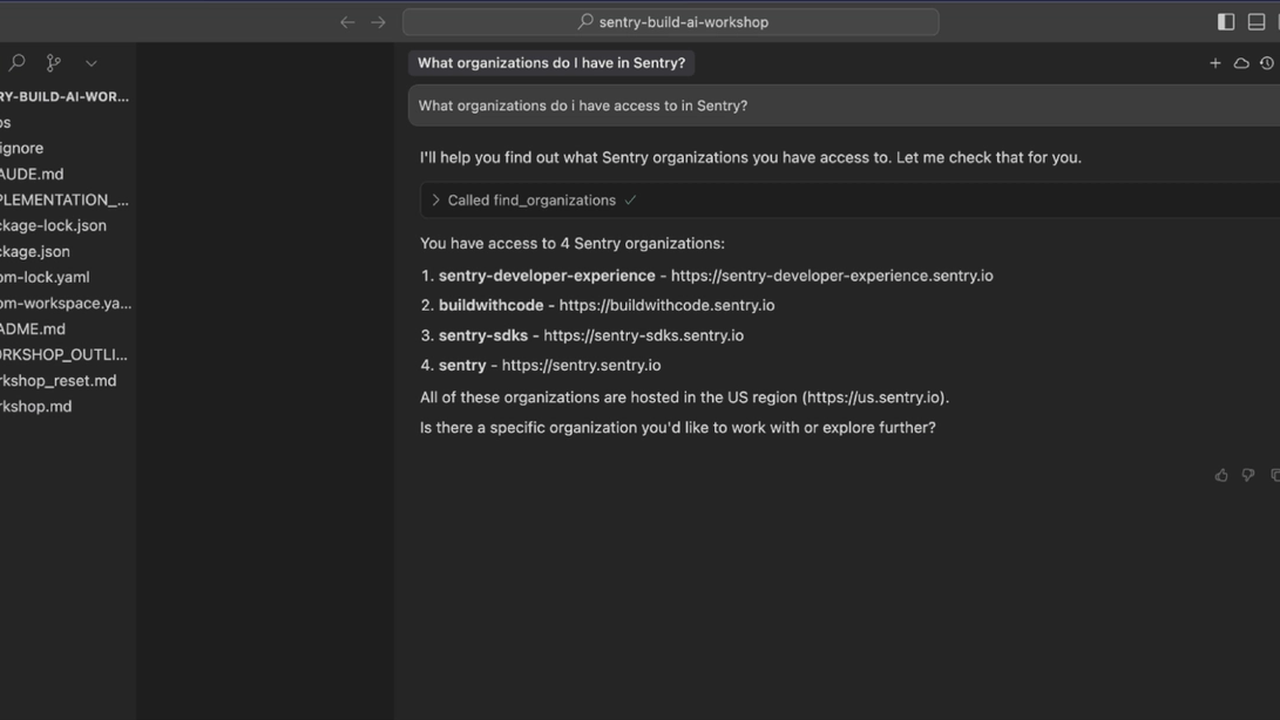
find_organizations
Lists Sentry organizations the user can access.
find_projects
Lists Sentry projects in an organization.
find_teams
Lists teams in an organization.
find_releases
Lists releases for a project.
search_issues
Natural-language search over Sentry issues (needs an LLM provider).
search_errors
Natural-language search over error events.
search_traces
Natural-language search over traces.
search_logs
Natural-language search over logs.
search_metrics
Natural-language search over metrics.
search_profiles
Natural-language search over profiles.
search_replays
Natural-language search over session replays.
search_events
Natural-language search over events (catalogue/stdio).
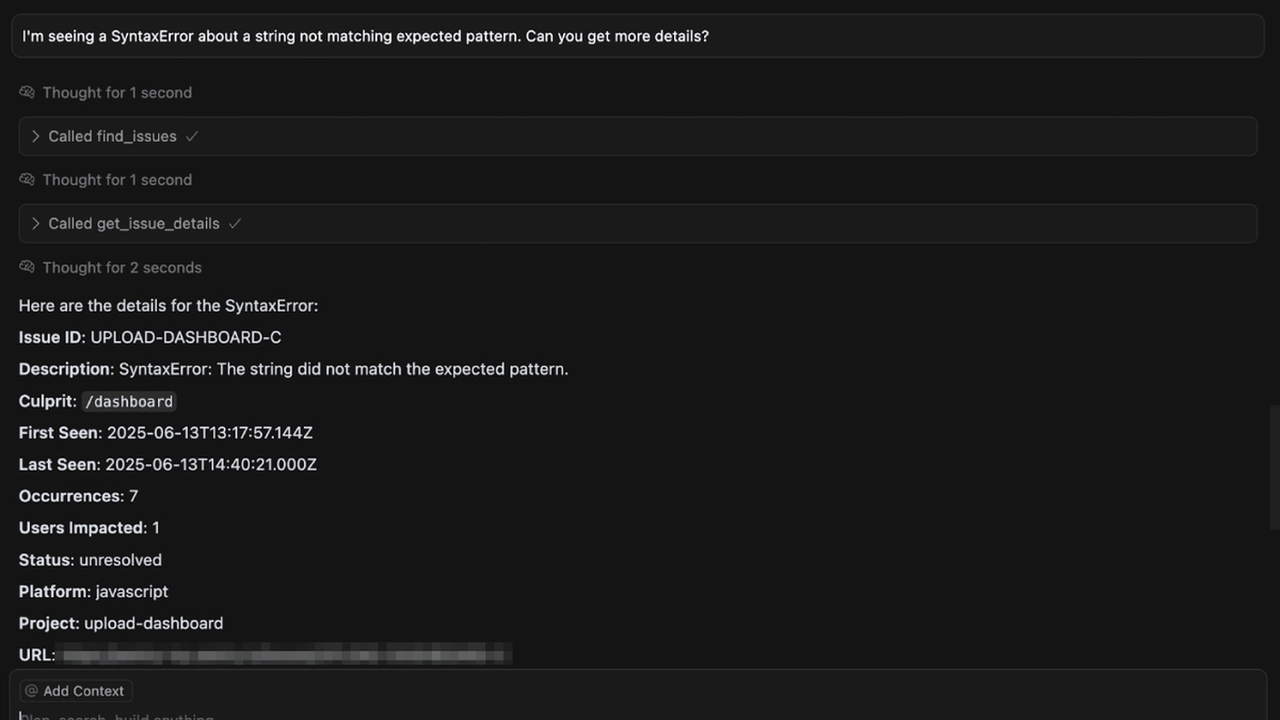
get_issue_details
Gets full details of an issue, including stack trace.
get_trace_details
Gets details of a trace.
get_span_details
Gets details of a single span.
get_event_stacktrace
Gets the stack trace of an event.
get_issue_breadcrumbs
Gets breadcrumbs leading up to an issue's event.
search_ai_conversations
Searches AI conversations (Seer) related to issues.
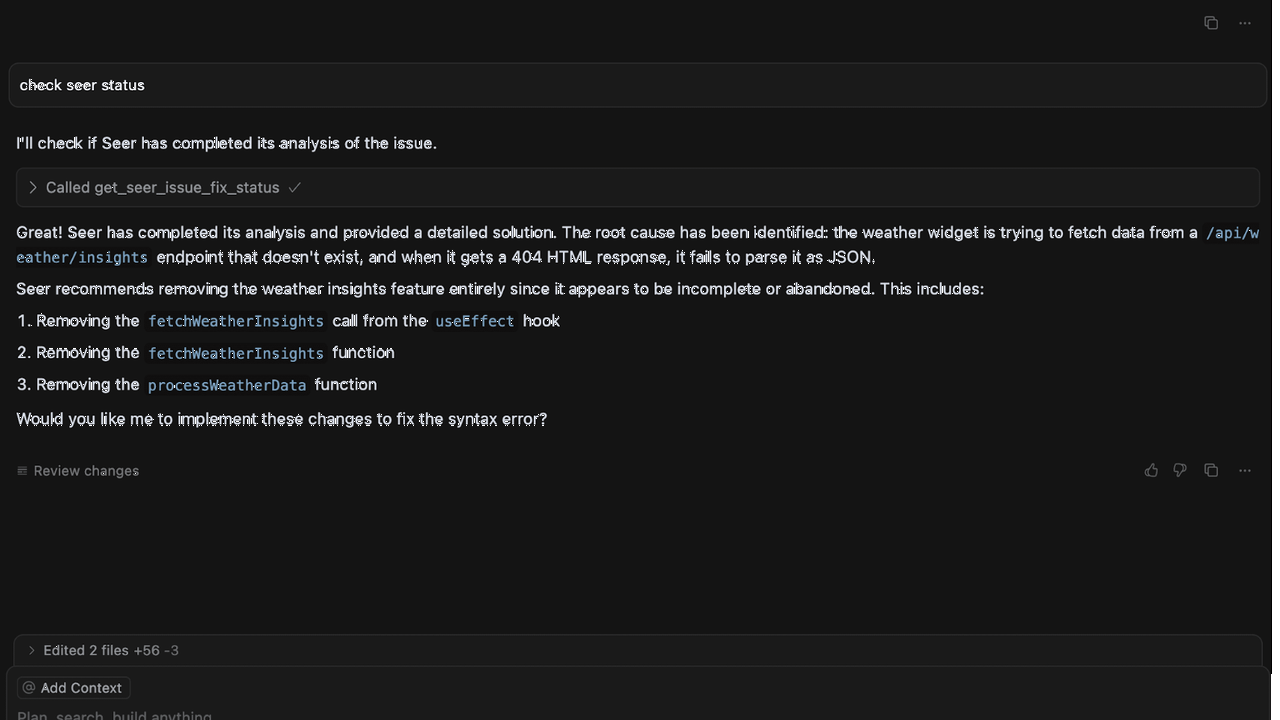
analyze_issue_with_seer
Runs Seer AI root-cause analysis on an issue.
update_issue
Updates an issue (resolve, assign, ignore).
find_monitors
Lists cron monitors for a project.
get_replay_details
Gets details of a session replay.
find_alert_rules
Lists alert rules for a project.
get_alert_rule
Gets details of an alert rule.
find_dashboards
Lists Sentry dashboards.
get_dashboard_details
Gets details of a dashboard.
search_docs
Searches Sentry documentation.
get_doc
Fetches a Sentry documentation page.
find_uptime_monitors
Lists uptime monitors.
get_uptime_monitor_details
Gets details of an uptime monitor.
Quality and security
Pricing
Free to connect; requires a Sentry account (free tier available).
Sentry MCP Review: From Production Error to Fix in One Conversation
Production errors arrive as a link in a chat. Someone pastes a Sentry URL, the agent asks for the stack trace, you copy that too, then it asks which release, which environment, and whether the error is new. By the time the agent has enough context to help, you have already done most of the debugging yourself.
Sentry MCP is the official server from Sentry, and it lets the agent read the error directly. Version 0.49.0 exposes 14 tools by default, with about 63 more available on demand, covering issues, events, releases, and projects. The agent opens the issue, reads the stack trace and the affected release, and proposes the fix in the same conversation. Error tracking stops being a link you paste and becomes a question you ask.
What is Sentry MCP?
Sentry MCP is a Model Context Protocol server maintained by Sentry. It comes as a hosted remote server you connect to with one command and OAuth, and as a local server you run with an auth token. The remote server is the easiest start: point it at your organisation and project, sign in, and the agent can query issues.
The 14 default tools cover the core workflow: list and search issues, read an issue with its events and stack trace, look up a release, and inspect a project. The rest of the catalogue, around 63 further tools, is available on demand through a search tool, so the agent can pull in deeper capabilities only when it needs them. The server is source-available under the Functional Source License, not an open-source licence.
Key Features
1. Read the real error, not a pasted summary
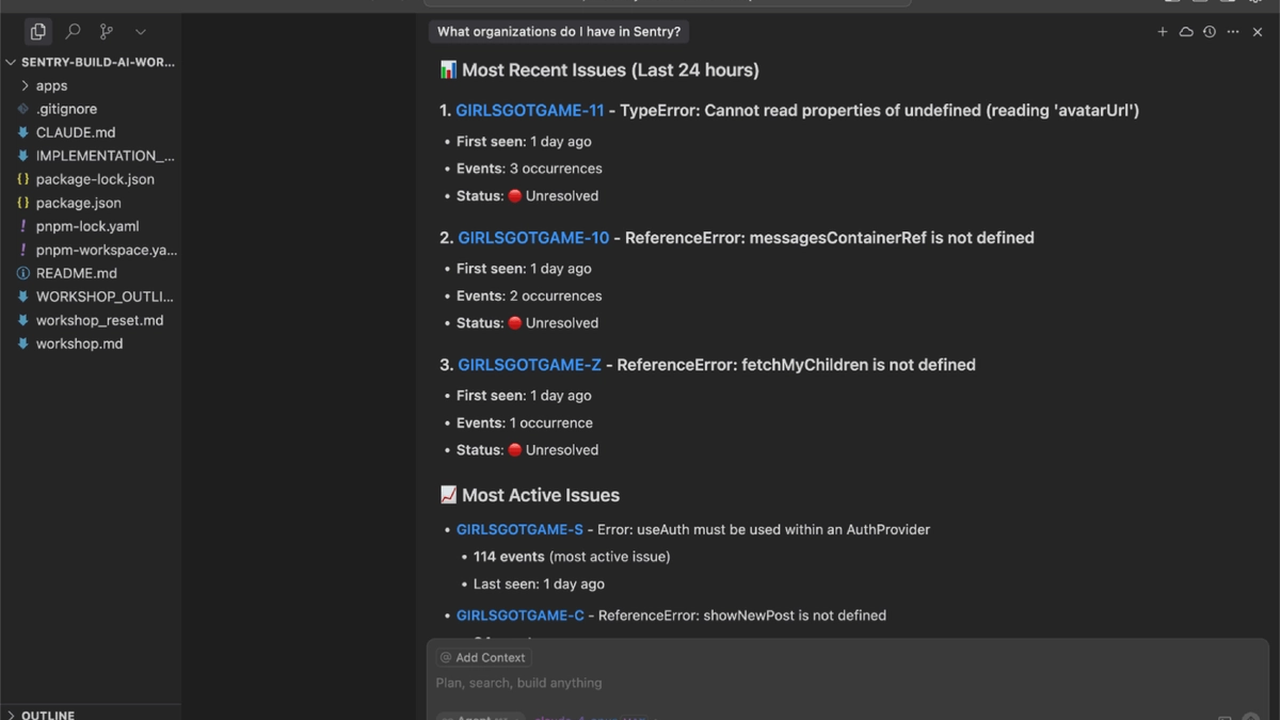
The agent opens the issue and reads the stack trace, the affected release, the environment, and the event history directly from Sentry. No more copying error text into the chat to give the agent context.
2. Search issues the way you think about them
Search by project, release, environment, or time range. The agent can answer "is this error new in the latest release" or "how many users hit this in the last day" without you opening the Sentry dashboard.
3. From issue to fix in the same session
Because the agent can read the error and your code in the same session, it can trace the stack back to the source file, explain the cause, and propose the fix. The debugging loop closes without leaving the conversation.
4. On-demand tools keep the surface small
Only 14 tools are loaded by default. The rest of the catalogue is fetched on demand, so the agent is not overwhelmed with tools it does not need for the task at hand.
5. Hosted or local, your choice
The hosted remote server needs only OAuth and a URL with your organisation and project. The local server runs with an auth token for teams that prefer to keep the connection on their own machines.
How It Works
Connect your client to the hosted endpoint with one command, sign in with your Sentry account, and pick the organisation and project. Ask the agent about an error by name, by link, or by symptom. It searches the issues, reads the stack trace, and tells you what broke, when it started, and which release introduced it.
For local use, run the server with an auth token instead. The tools are the same; only the connection changes.
Who Should Use Sentry MCP?
Developers who fix production errors, on-call engineers who triage Sentry issues, and teams that want the agent to understand what actually broke in production. If your error tracking lives in Sentry, this is the connection that makes the agent a real participant in incident response instead of a bystander asking for screenshots.
Sentry MCP Pricing
Free to connect; requires a Sentry account (free tier available). The MCP server itself costs nothing; you pay only for the Sentry plan you already use.
Sentry MCP Pros and Cons
Pros
- Official Sentry server: reads real issues, events, and releases
- Hosted remote endpoint with OAuth: one command to connect
- On-demand tool catalogue keeps the default surface small and focused
- Closes the loop from error to fix inside one conversation
Cons
- Source-available licence (FSL), not open source
- Needs a Sentry account and access to your projects; the agent can read your error data
- Write operations are limited; this is primarily a read-and-diagnose tool, not a fix-and-deploy one
Final Verdict
If production errors live in Sentry, the agent should be able to read them. This is the official, free way to give it that access, and it turns the most common debugging conversation from a copy-and-paste exercise into a question you ask once. Connect it, point it at your project, and let the agent tell you what broke.